

What Is InSite Inspection Software?
Learn how InSite turns drone evidence into traceable inspection decisions, mission records, maps, 3D views, findings, and reports.
Short Summary
InSite is an inspection operations platform for field assets, missions, drone evidence, workflow outputs, findings, and reports. It is built for teams that need more than file storage: reviewers need to understand what was captured, where it belongs, whether it is ready to inspect, what decisions came from it, and which evidence supports each decision.
The system organizes work around assets and missions. An asset is the physical site or structure being inspected. A mission is a dated operational event for that asset. Each mission can hold multiple workflow outputs such as RGB and thermal inspection imagery, documentation photos, panorama context, orthophotos, point clouds, and reports.
Core Data Model
Why InSite Exists
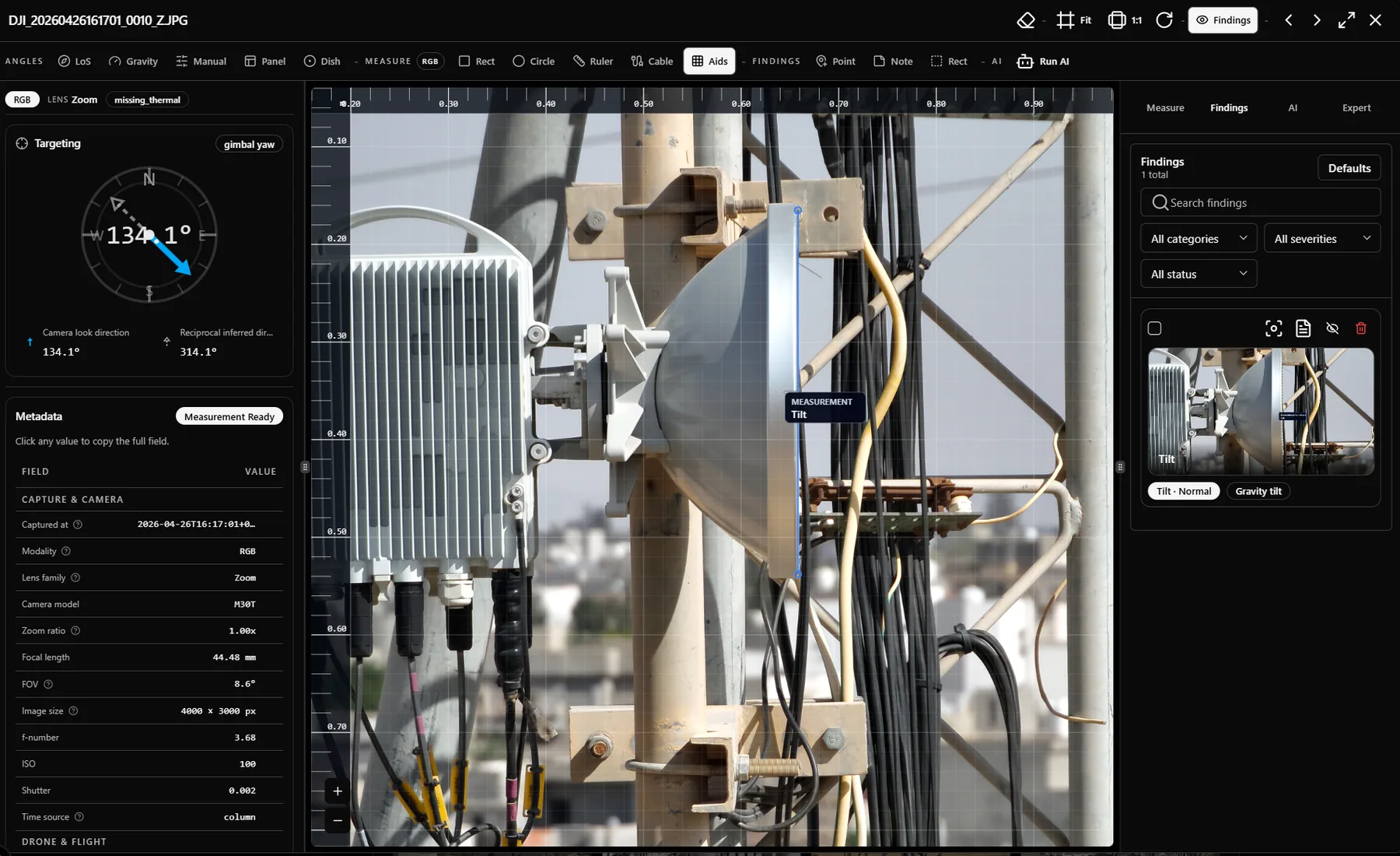
Drone capture produces large volumes of useful evidence, but the operational problem starts after capture. Reviewers must decide which images are usable, pair RGB and thermal context, measure defects, find anomalies, create defensible findings, and turn those findings into reports without losing the proof chain.
InSite reduces that handoff cost by putting review, measurement, findings, metadata, and reporting in the same mission workspace. The goal is not only to store files; it is to preserve the decision trail from source evidence to final report.
- Keep raw and processed evidence attached to the correct mission.
- Expose workflow readiness instead of hiding processing state inside folders.
- Let reviewers create findings directly on images, maps, and 3D scenes.
- Store measurement assumptions, confidence, and evidence captures with findings.
- Produce shareable reports from approved mission evidence.
Who Uses It
- Inspection service providers who need faster review and report delivery.
- Tower owners and infrastructure operators who need traceable inspection decisions.
- Engineering teams that care about measurement assumptions and metadata quality.
- Operations managers who need portfolio-level mission status and exceptions.
- Buyers evaluating whether drone evidence can replace or reduce site revisits.
Public Buyer Value
For teams researching inspection software, InSite should be understood as a workflow system for evidence review, not simply a viewer. The public documentation explains the product, the inspection science, the limits of measurement, and the exact tasks users can perform.
FAQ
Is InSite only for telecom towers?
The current product language and workflows are strongest for telecom and field infrastructure, but the asset, mission, evidence, finding, and reporting model can support other inspected structures.
Does InSite replace photogrammetry processing software?
InSite stores and reviews processed outputs such as orthophotos and point clouds. It also tracks pipeline status and variants where processing is integrated, but the main product value is operational review and evidence traceability.
Related Articles
InSite Use Cases
Common inspection, engineering, operations, and reporting use cases for InSite across drone evidence workflows.
Sign Up, Sign In, And Access
How access works in InSite, including sign in, demo access, tenant selection, roles, and no-access states.
Inspection Workflow
Complete guide to the RGB and thermal inspection workflow: upload, gallery, pairs, viewer, tools, expert controls, and findings.
Reporting Workflow
How InSite reports use findings, evidence captures, mission context, versions, publishing, and share links.