

Orthophoto Workflow
Complete guide to orthophoto uploads, source slots, COG outputs, DSM/DTM layers, QA checks, metadata, and viewer tools.
Purpose
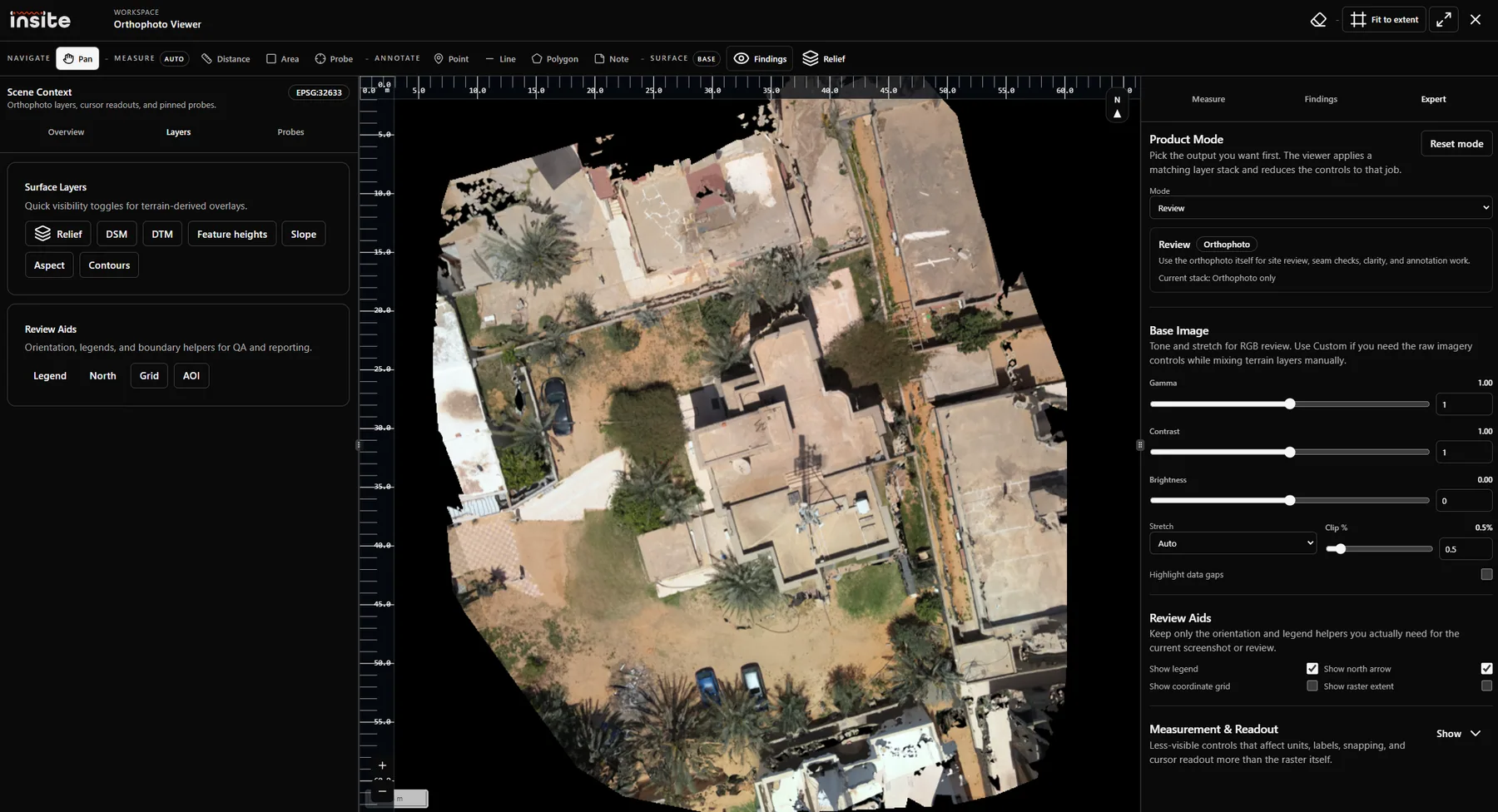
The Orthophoto workflow reviews geospatial raster products for a mission. It supports a primary orthophoto source, DSM and DTM elevation sources, derived COG outputs, hillshade, ground bands, raised features, metadata inspection, activity, recovery, and a georeferenced viewer.
Source Slots
Outputs
- Orthophoto COG for efficient map viewing.
- DSM COG and DTM COG for elevation-backed products.
- Hillshade for visual terrain relief.
- Ground Bands for terrain classification and ground-level interpretation.
- Raised Features for height-above-ground and surface-object interpretation.
- Metadata and QA checks for projection, pixel size, state, and processing reliability.
Workspace Sections
The workspace combines source cards, output cards, pipeline stages, storage inventory, activity and recovery, and viewer launch actions. It is both an operator console and a reviewer entry point.
QA Checks
Orthophoto QA should verify that the raster has a usable projection, reasonable pixel size, valid extent, readable metadata, and complete derived products. Elevation outputs should be checked against whether the DSM and DTM sources are available and compatible.
Related Articles
Orthophoto Viewer Tools
Mini articles for orthophoto viewer tools: pan, distance, area, point, line, polygon, sticky note, probe, layers, and expert controls.
Orthophoto Engineering Concepts
Engineering background for orthophotos, COGs, DSM, DTM, hillshade, ground bands, raised features, pixel size, and projections.
Map And Site Context
How map context, orthophoto layers, and georeferenced findings support inspection decisions.