

Reporting Workflow
How InSite reports use findings, evidence captures, mission context, versions, publishing, and share links.
Purpose
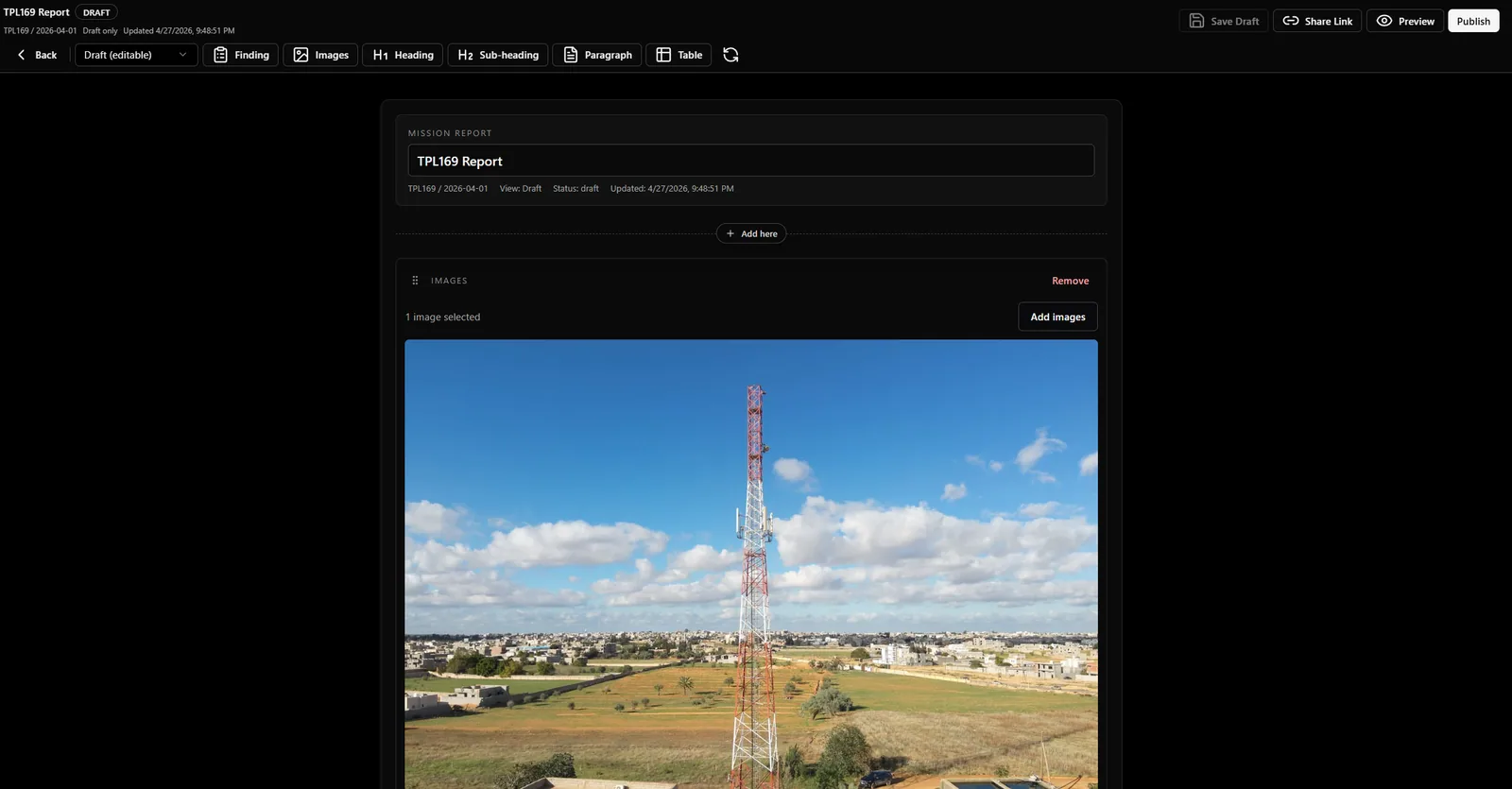
The reporting workflow turns reviewed mission findings into a delivery artifact. It should not require the reviewer to rebuild screenshots or copy evidence manually. The report imports findings, evidence, mission context, and asset context from the system of record.
Finding Import
Findings can be imported into reports so the report keeps a link to the original observation, geometry, severity, category, title, notes, and evidence capture. This preserves traceability from report page back to mission evidence.
Versions And Publishing
Reports can have draft and published states. Versioning matters because stakeholders need to know which report was delivered, what changed, and whether later mission edits have been incorporated.
Report Quality Checklist
- Only include findings that have been reviewed and categorized.
- Confirm severity values match tenant taxonomy.
- Confirm each critical finding has clear evidence.
- Avoid using low-quality measurements without notes or confidence context.
- Preview the report before publishing or sharing.
Related Articles
Findings And The Evidence Chain
How InSite findings preserve source evidence, geometry, reviewer notes, severity, category, status, and report traceability.
Inspection Right Rail Tabs
Detailed explainer for the Inspection right rail: Expert tab, metadata context, findings, AI, measurement, quality, and calibration controls.
Mission Overview Page
Understand mission context, readiness matrix, recent activity, workflow links, and mission-level health status.